FreeWebCheck
Common SEO Mistakes Small Websites Make
I’ve audited a lot of small business sites over the years. Probably hundreds at this point. And the same SEO mistakes keep showing up — regardless of industry, tech stack, or budget. Most take less than an hour to fix. But they’re costing real traffic every single day.
Here are the eight most common ones and exactly how to fix each.
1. Missing or Duplicate Meta Descriptions
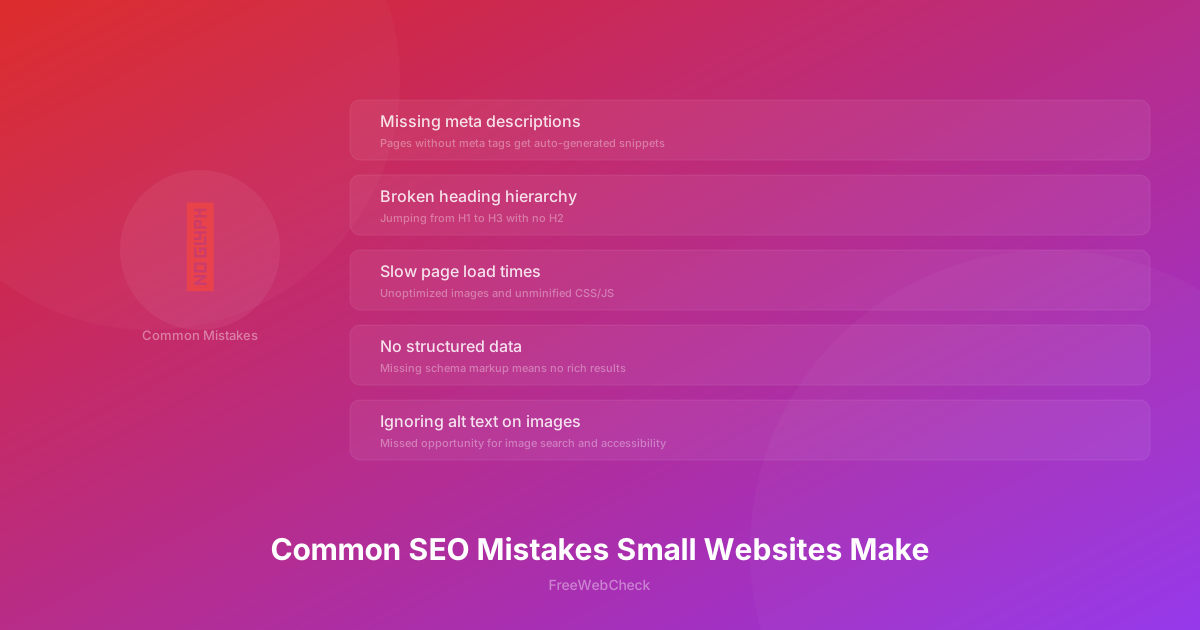
Every page needs a unique meta description — that snippet under your title in search results. But lots of sites launch without them. Or they reuse the same one across pages. When Google finds nothing, it auto-generates something from random page content. Usually not helpful.
The fix: write 120-160 characters per page, include the target keyword naturally, and add a call to action. I’ve seen pages jump several positions from a rewritten meta description. Compare:
Bad: (missing) — Google picks “Welcome to our site! We have lots of great stuff…”
Good: “Learn how to compress images for the web without losing quality. Free browser-based tool — no uploads, no sign-up.”
2. Broken or Missing Heading Hierarchy
Clear heading structure (H1 → H2 → H3) helps users and search engines understand your content. Skipping levels, multiple H1s, or using headings for visual styling confuses both. If you need a certain font size, use CSS. Not a heading tag.
The SEO Analyzer checks heading hierarchy automatically — easier than manually auditing every page.
3. Slow Page Load Times
Page speed is a confirmed ranking factor for both desktop and mobile. Google has said it repeatedly — slower pages rank lower, especially in mobile results. Beyond rankings, it hurts user experience. 53% of mobile users abandon a site that takes longer than 3 seconds to load.
Performance optimization often gets skipped on smaller sites. I get it — when you’re busy shipping features, image compression doesn’t feel urgent. The usual suspects: unoptimized images (photos straight from a phone at 4-5 MB), render-blocking JS and CSS, no caching strategy, too many third-party scripts. I once worked with a photography portfolio loading full-resolution gallery images straight from the camera. Compressing those alone cut page weight from 12 MB to under 2 MB. Fix these by compressing and resizing before uploading (try our free Image Toolkit), converting to WebP for 25-35% smaller files, minifying CSS/JS, enabling browser caching, and using a CDN.
4. No Structured Data (Schema Markup)
Quick test: go to any page on your site, view the source, and search for application/ld+json. Find nothing? You’re missing out on rich results — those enhanced snippets with star ratings, FAQ dropdowns, and breadcrumb links that make your listing stand out.
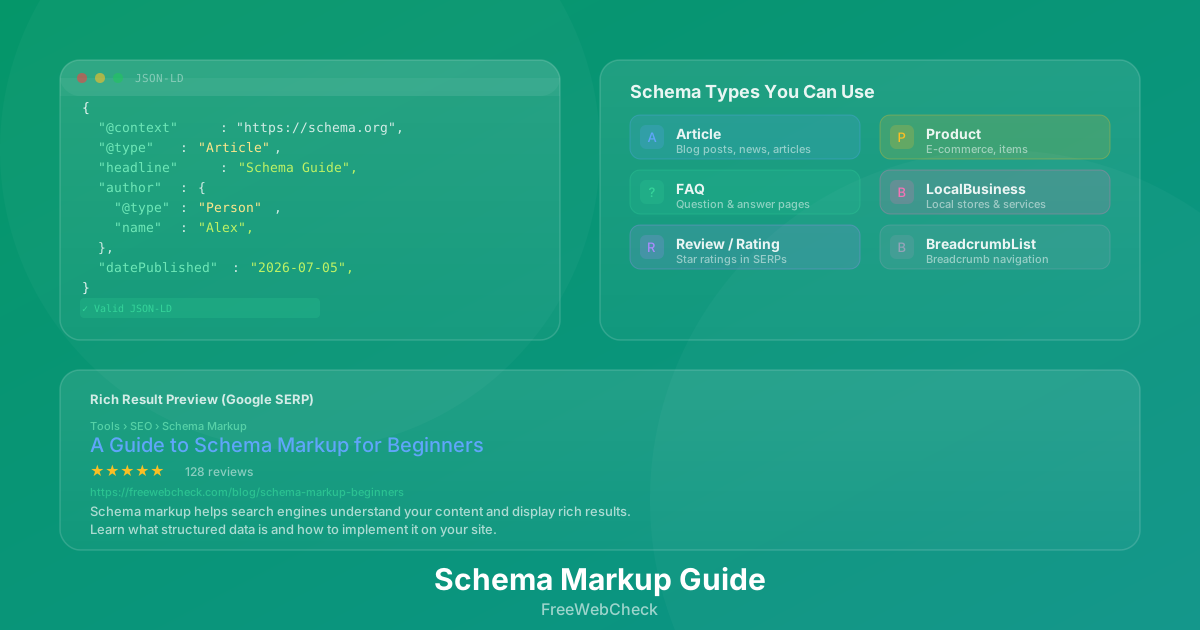
Structured data is markup you add to your HTML. At minimum: Organization schema on the homepage, BreadcrumbList on every page, WebPage schema on every page, Article or BlogPosting schema on blog posts, FAQPage schema on FAQ pages. In my experience, BreadcrumbList alone often gets you extra breadcrumb links in search results — and it takes about five minutes. Google Search Central recommends starting here (source). Beyond that: HowTo for tutorials, WebApplication for tools, LocalBusiness if you have a physical location.
5. Missing Alt Text on Images
Short one because the fix is simple. Alt text serves two purposes: screen readers describe images to visually impaired users, and Google uses it to understand and rank images in search. Most sites either skip it entirely or write alt="image". Helps nobody.
Write descriptive alt text for every image. For decorative images, use alt="" to tell screen readers to skip them. For functional images like icon links, describe the action.
Bad: alt="image" or alt="" on a chart showing traffic data
Good: alt="Line chart showing website traffic growing from 1,000 to 5,000 monthly visitors over six months"
6. Poor Internal Linking
Ever published a blog post and wondered why it took weeks to show up in search? Weak internal linking might be the reason. Without links from existing pages, search engines have to discover new content through your sitemap alone. Slower, less reliable.
Internal links also distribute authority. If your best guide has 50 backlinks, internal links from that guide pass some of that authority to other pages. On many smaller sites, every page is only linked from the main navigation. Blog posts never reference each other.
Start linking to relevant related content within your articles. Mention a concept you’ve covered elsewhere? Link to it. Have a cornerstone page? Link from multiple relevant posts. Use descriptive anchor text. The Page Link Analyzer helps audit your internal linking and find orphaned pages.
7. No HTTPS or Mixed Content
HTTPS has been a ranking signal since 2014 (source). Browsers flag non-HTTPS pages as “Not Secure.” But even with HTTPS, mixed content — HTTP images, scripts, or stylesheets on an HTTPS page — can trigger warnings and block resources. One site I audited had a single HTTP image on an HTTPS page. Chrome silently blocked it. The owner didn’t notice for weeks.
If you’re on Cloudflare Pages, HTTPS is automatic. Check for mixed content with the Website Audit tool.
8. No Sitemap or Robots.txt
A sitemap tells search engines which pages exist and when they were last updated. Without it, they discover pages through links alone. New pages might not get indexed for weeks. A robots.txt blocks low-value pages from wasting your crawl budget.
Generate a sitemap, submit it to Google Search Console and Bing Webmaster Tools. Create a robots.txt that blocks admin sections, search results, and duplicate content while allowing everything that matters.
Run Your Own Audit
These eight issues account for most SEO problems we see on small websites. You don’t need a big budget or a specialist to fix them. Just time and the right checklist.
Use the SEO Analyzer to check any page. It runs 19 checks covering all of the above, gives you a score, and tells you what to fix in order of priority. No sign-up, no limits, no tracking.