FreeWebCheck
What Is My IP Address?
A few months ago a site blocked my access outright. No explanation, just “access denied.” I checked the error log and found my IP was flagged — my ISP had assigned me an address from a range previously used by spammers. That’s how I learned that your IP address isn’t just a technical detail. It affects what you can access, how sites treat you, and what they know about you.
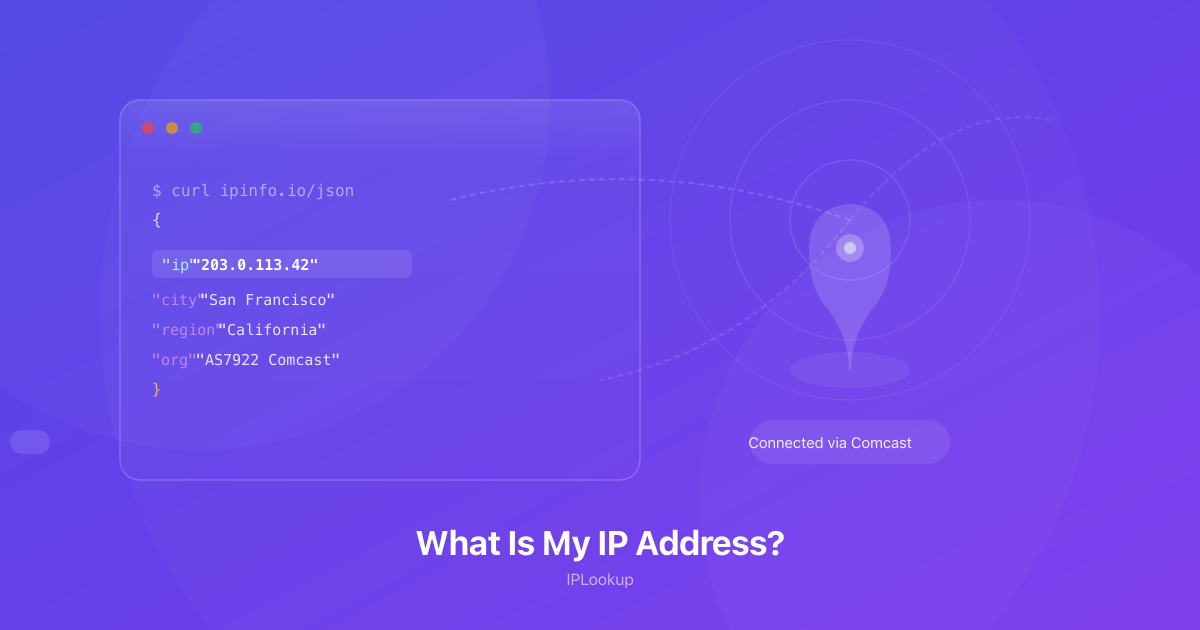
Your public IP is assigned by your ISP. Without it the internet wouldn’t know where to send anything you ask for. Every site you visit, every video you stream, every email you send involves your IP in that conversation. I’ve also used mine to check that my VPN was hiding my real address and to set up a firewall rule that only allows my home IP through.
What Your IP Actually Reveals
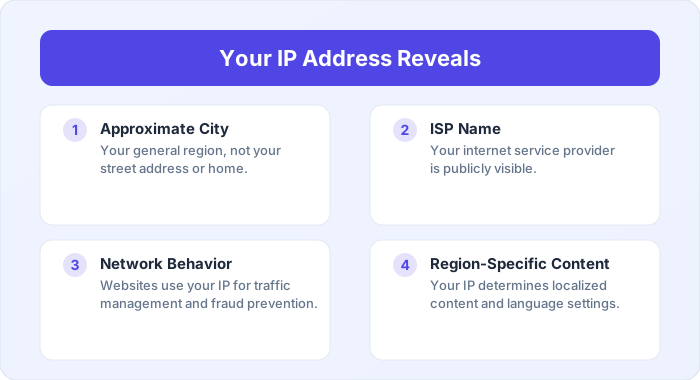
Your IP can pin you to a city or region — not your street address, but close enough that advertisers care. It tells websites which ISP you use. And sites use it to show you localized pricing, language, and content. The accuracy varies a lot: in a dense city it might be within a few blocks; in a rural area it can be off by 50 miles or more.
One thing I find surprising is how many people don’t realize that ISPs can log which IP you were assigned and when. In some countries they’re required to keep this data for months or years. Your IP alone won’t identify you to another random internet user, but it creates a record that exists whether you think about it or not.
Public vs Private: There Are Actually Two
Every device has both a public and a private IP. Your public IP is what the internet sees — it’s how the rest of the web finds your network. Your private IP (usually starting with 192.168.x.x or 10.x.x.x) only matters inside your home. Your router uses NAT to let your phone, laptop, and smart TV share a single public IP, keeping track of which traffic belongs to which device. Cloudflare explains that NAT maps each device’s private IP and port to unique entries in a translation table (source).
I mention this because when people ask “what’s my IP,” they’re usually asking about the public one. The private one is what you see in your device’s network settings, and it changes depending on which Wi-Fi you’re connected to.
The IPv4 vs IPv6 Thing
There are two versions in use. IPv4 is the one you’re probably on — four sets of numbers separated by dots, like 192.168.1.1. It has about 4.3 billion possible addresses, and we’ve run out. IPv4 addresses now trade on the secondary market for $30-50 each. What I find wild is that companies exist whose entire business model is leasing their IPv4 blocks. Cloudflare notes that the exhaustion of IPv4 address space has created this secondary market, driving IPv6 adoption as the long-term solution (source). That scarcity is pushing the migration to IPv6, which uses eight groups of hex characters (like 2001:db8::1) and has enough addresses for every device on the planet many times over.
If you’re curious which one you’re using, visit our IP lookup page. Dots mean IPv4; colons and hex characters mean IPv6.
Can Someone Track You With Your IP?
Your IP reveals your approximate city and ISP, but it can’t pinpoint your exact street address or tell someone your name. Law enforcement can request your identity from your ISP with a warrant, but a random person on the internet can’t find your home address from your IP alone.
IP geolocation is “neighborhood-level” at best. I’ve seen it place a user in a city 200 miles away because their ISP routes through that city. It’s useful for fraud detection (a login from a different continent is suspicious) and routing traffic efficiently, but it’s not GPS.
Hiding Your IP When You Want To
A VPN is the most reliable method for everyday privacy — it routes your traffic through an encrypted tunnel and websites see the VPN server’s IP instead of yours. Tor offers stronger anonymity but is noticeably slower. Proxies sit in the middle: they change your IP but usually don’t encrypt your traffic.
After setting up any of these, visit our VPN detection tool to verify your IP has changed. If the tool shows a different IP than your home connection’s, you’re successfully hiding your real address.