FreeWebCheck
How to Check Your SSL Certificate (And Why You Should Care)
Last year I visited a local news site and Chrome greeted me with a full-screen red warning: “Your connection is not private.” The site’s SSL certificate had expired three days earlier. I closed the tab immediately. So did probably everyone else who landed there.
An expired certificate erodes trust in seconds. But it’s not just expiration — misconfigured certificates, weak encryption, or broken chains can all cause problems without you knowing. Here’s how to check SSL certificates and understand what you’re looking at.
What an SSL Certificate Actually Does
An SSL certificate does three things. It authenticates the server you’re connecting to (confirming you’re on the real site, not a phishing copy). It encrypts data between the server and browser. And it proves domain ownership to the certificate authority that issued it.
Without a valid certificate, every piece of data sent between your visitor and your server is transmitted in plain text. That includes form submissions, login credentials, and any personal information. Modern browsers mark HTTP sites as “Not Secure” in the address bar — a clear signal that drives visitors away.
What the SSL Checker Tells You
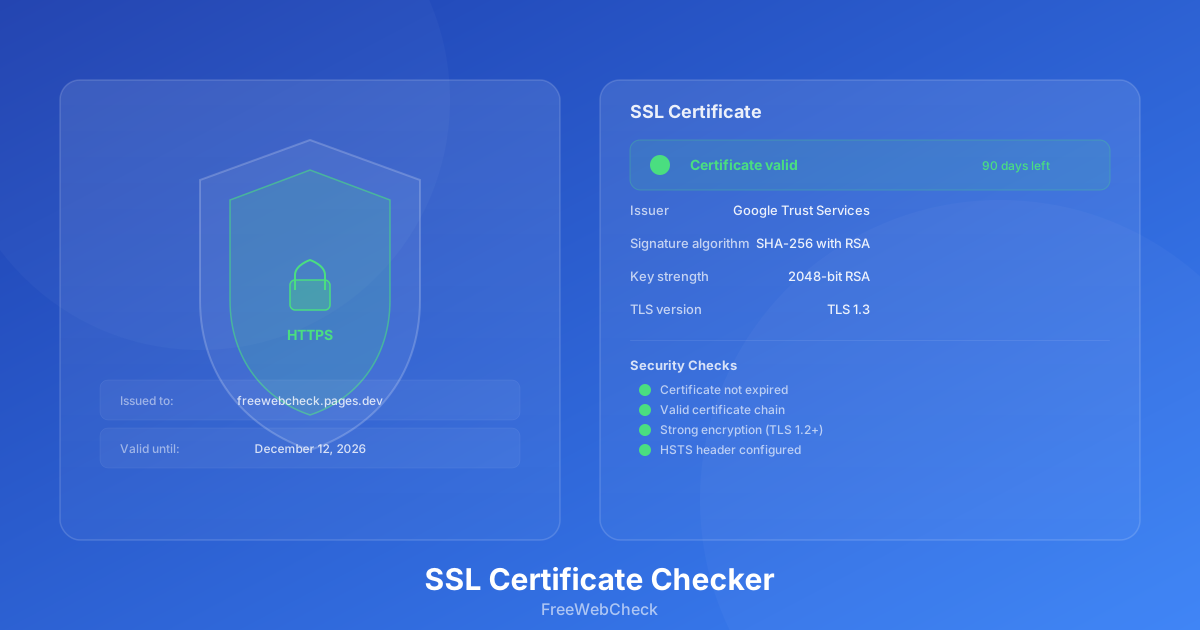
Our SSL Checker inspects the certificate chain for any domain. Here’s what each piece of data means:
Issuer — The certificate authority that signed the certificate. Common ones include Let’s Encrypt, Google Trust Services, Cloudflare, and DigiCert. If the issuer isn’t a trusted CA, browsers will show a warning.
Signature algorithm — The cryptographic algorithm used to sign the certificate. SHA-256 with RSA is the current standard. SHA-1 was deprecated years ago — if you see it, schedule a renewal immediately.
Key strength — Measured in bits. 2048-bit RSA is the minimum standard today. 4096-bit offers more security but slightly slower handshakes. Anything below 2048 is a security risk.
TLS version — The protocol version used for encryption. TLS 1.3 is the latest and fastest. TLS 1.2 is still acceptable. TLS 1.1 and 1.0 are deprecated and vulnerable to attacks (source).
Common SSL Certificate Problems
I’ve run SSL checks on hundreds of sites through the tool, and these are the problems I see most often:
Expired Certificates
The most common issue. Certificates from Let’s Encrypt last 90 days. It’s easy to lose track. Set up renewal reminders or use auto-renewal if your host supports it. Cloudflare and most modern hosting platforms handle this automatically — but not all do.
Broken Certificate Chain
The server sends the leaf certificate but not the intermediate certificates needed to link it to a trusted root. Most browsers can fix this by fetching the missing intermediates, but some older clients can’t. The fix is simple — most CAs provide a bundle file that includes the full chain.
Wildcard Certificate Misconfiguration
A wildcard certificate (*.example.com) covers all subdomains at that level. But it won’t cover example.com itself (without the www.). You need a separate certificate or a SAN entry for the bare domain.
Mixed Content
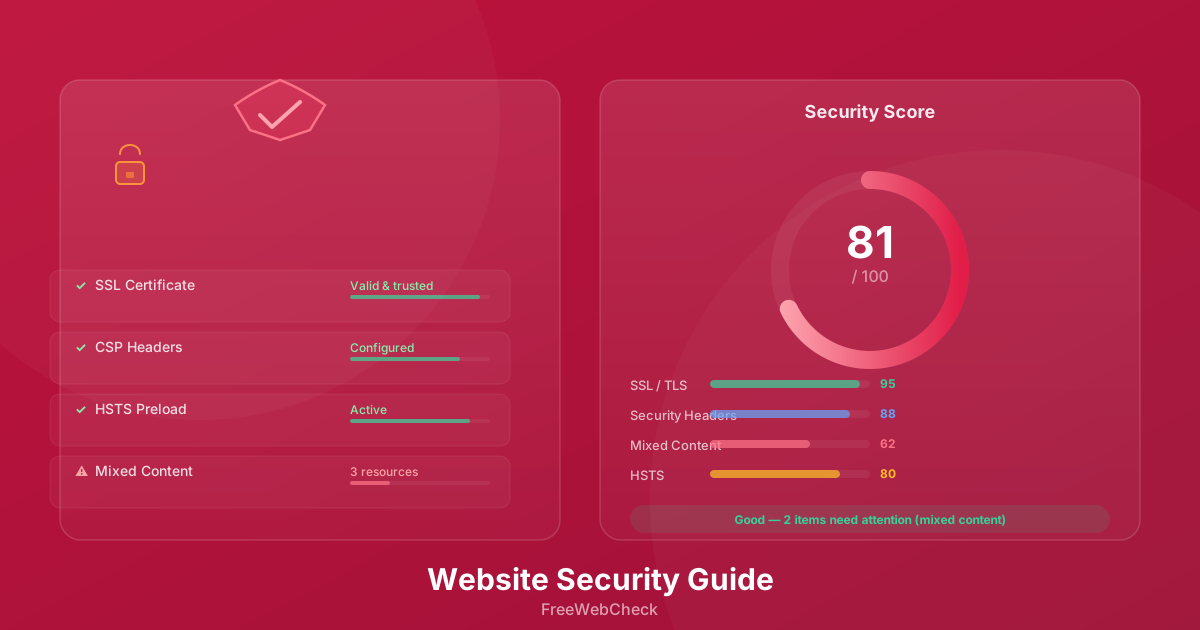
Your page loads over HTTPS, but some resources (images, scripts, stylesheets) load over HTTP. Browsers block active mixed content (scripts) by default. This is more of a site configuration issue than a certificate problem, but the SSL Checker flags it because it affects the security of the page.
How SSL Fits Into a Full Site Audit
The Website Audit tool checks SSL status as part of its comprehensive scan. When you run an audit, it verifies the certificate, checks for HSTS headers, and scans for mixed content across pages. This is useful if you’re managing a site with dozens of pages and want to make sure nothing slipped through.
I run a full audit every month on my own sites. SSL issues can crop up between renewals, especially if you change hosting providers or CDN configurations.
Quick Checklist
- Certificate not expired (check the validity period)
- Issuer is a trusted certificate authority
- Signature algorithm is SHA-256 or stronger
- RSA key is at least 2048 bits
- TLS 1.2 or 1.3 is supported
- Certificate chain is complete (no missing intermediates)
- HSTS header is configured with
includeSubDomains - No mixed content warnings on any page